Mulliko
Out nowMake watercolor paint from powdered pigment. Rub it on the slab and get a half-pan recipe in grams.
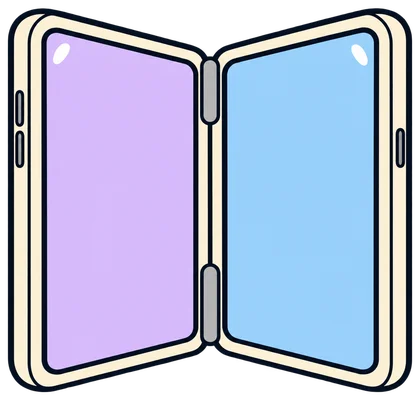
Half-fold an iPhone Duo: glass slab on one side, recipe notebook on the other. Works on iPhone and iPad too.


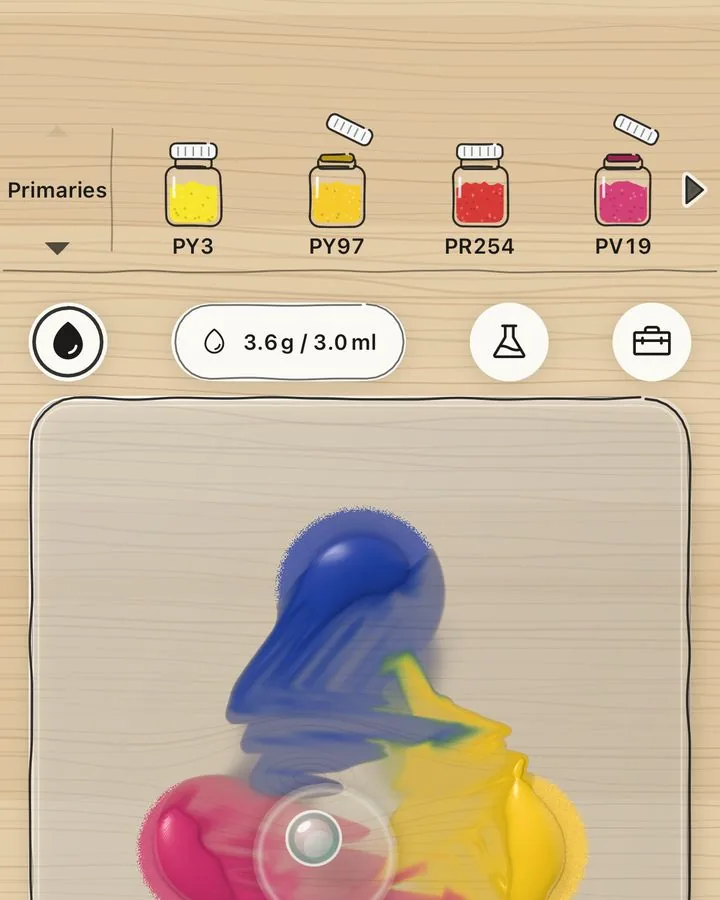
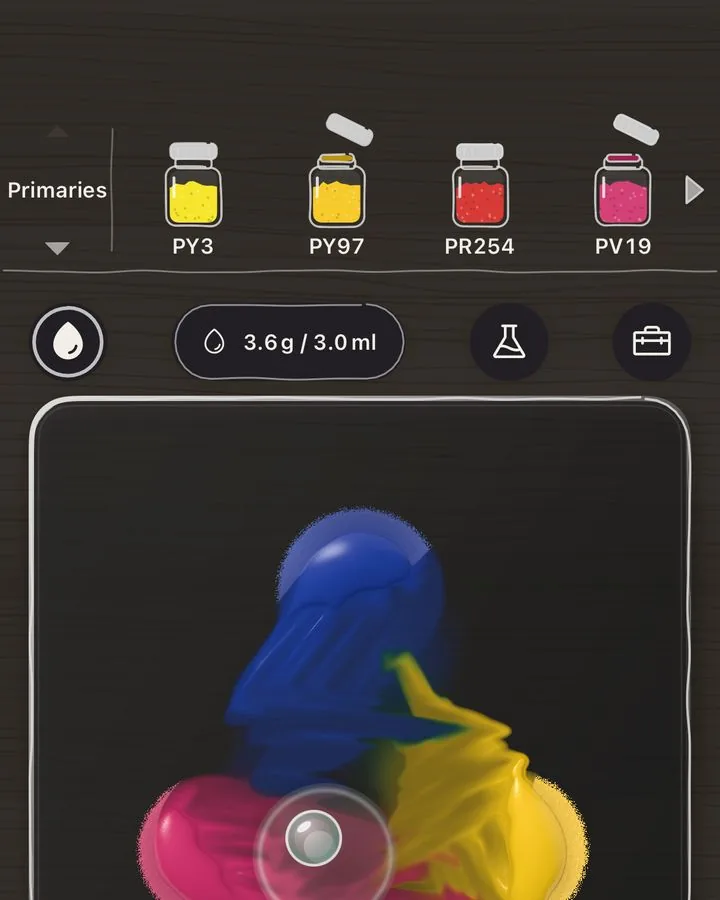
Rub it, and it turns into paint.
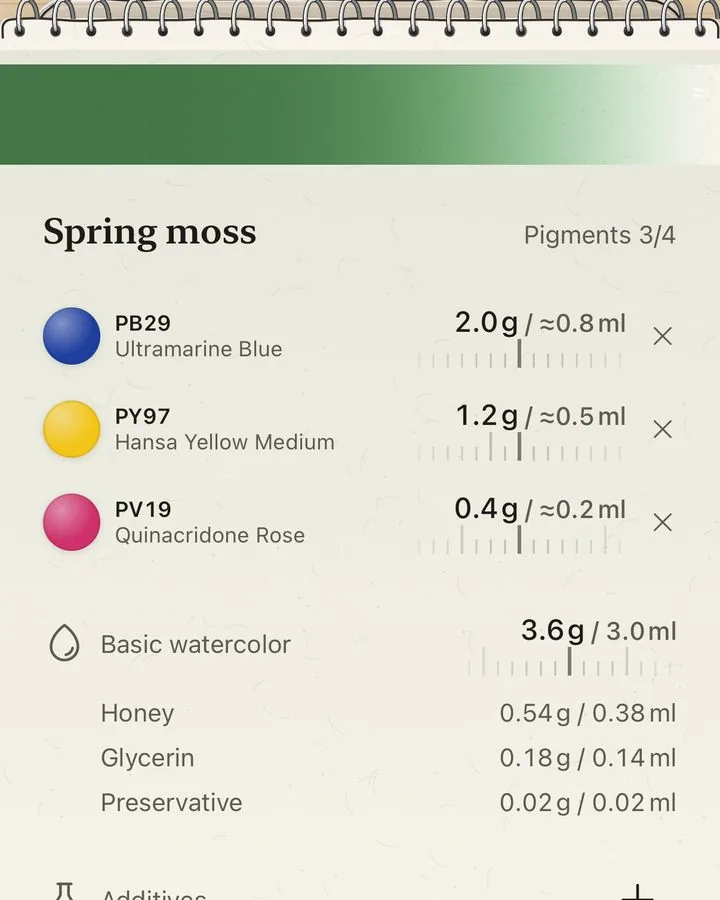
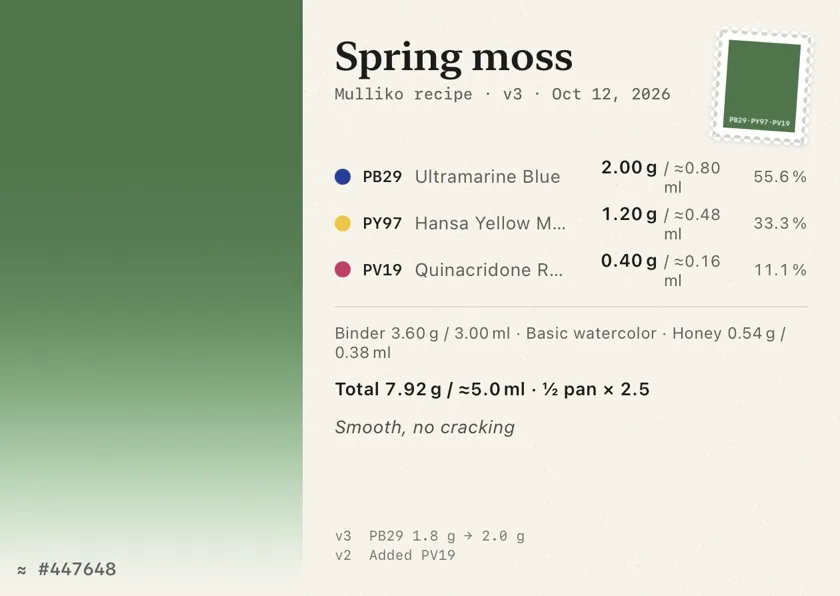
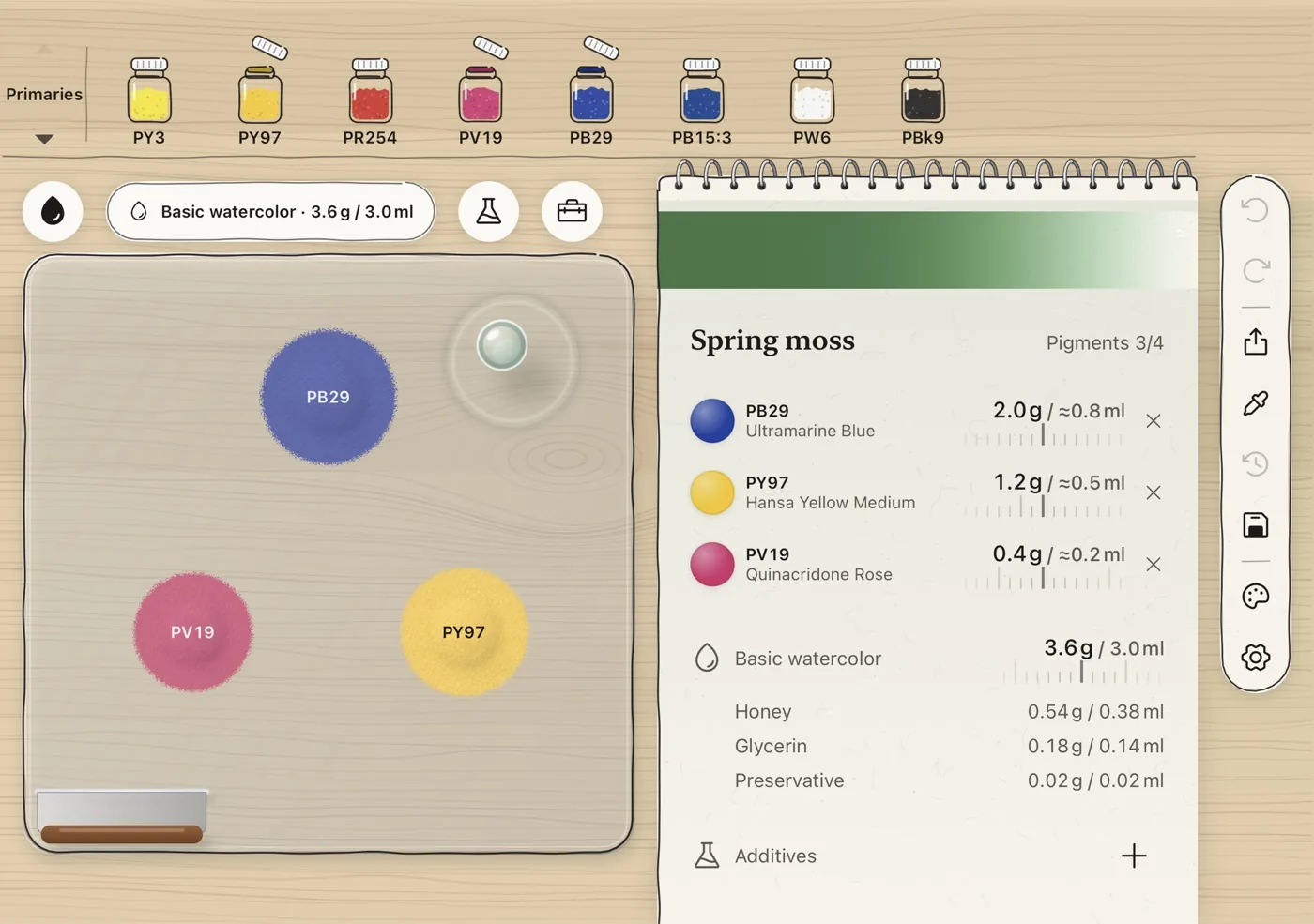
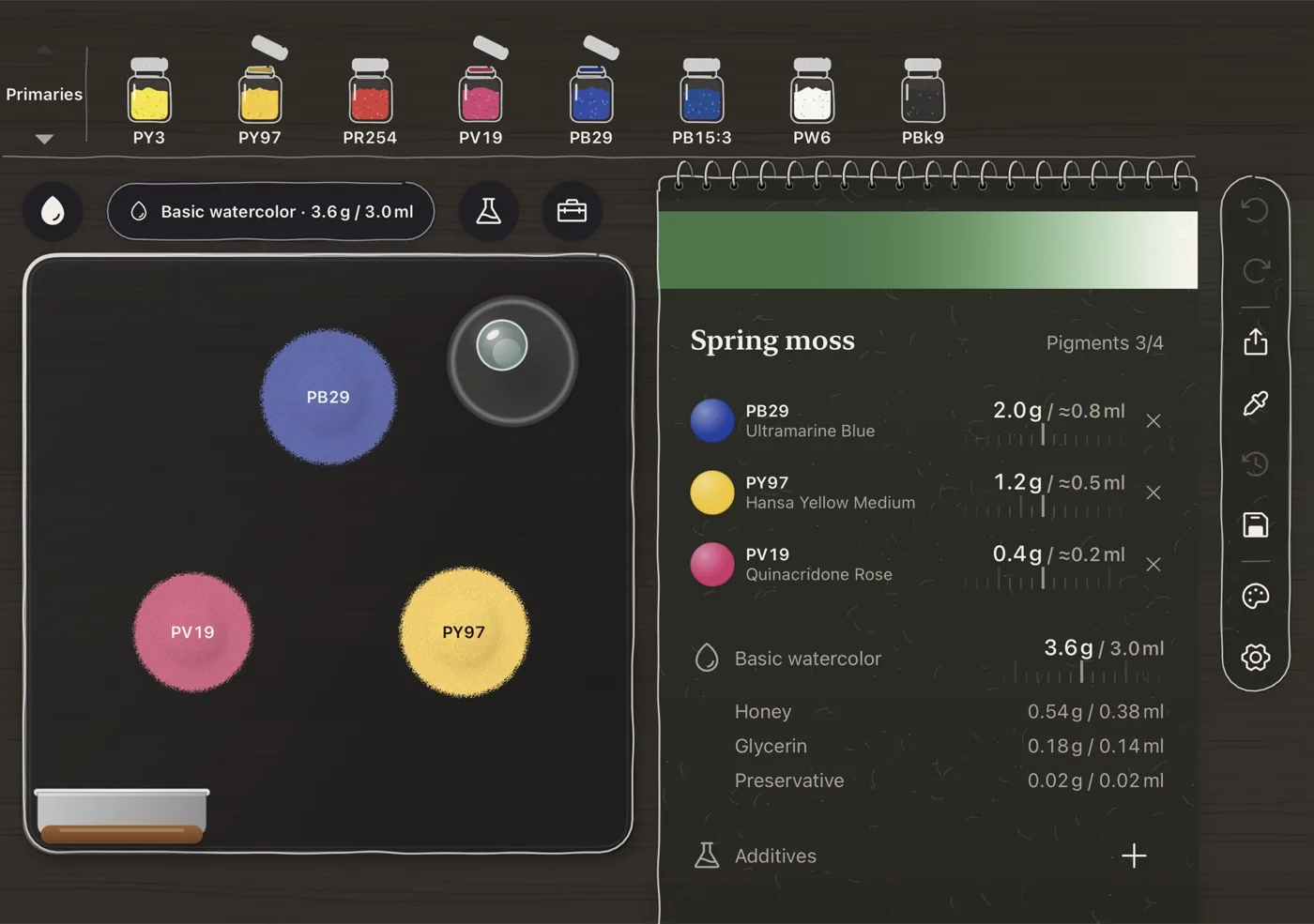
Add binder drop by drop and rub with the muller. The colours blend slowly. On the right: this slab’s recipe.
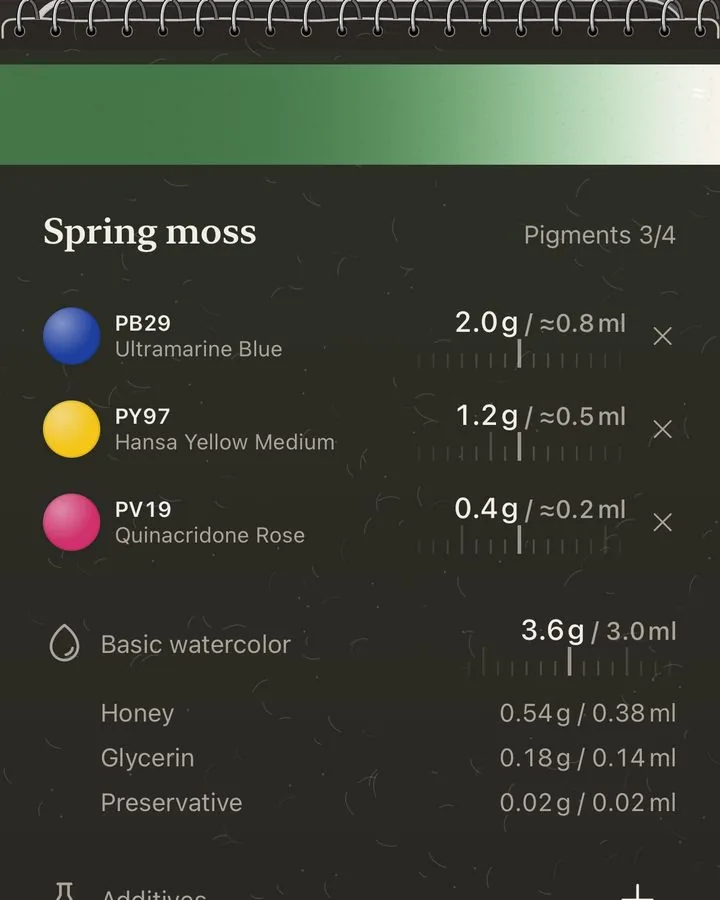
The app’s own recipe notebook. Colours and amounts are estimates. Paint a test swatch before a batch.
Mix, measure, keep.
The order you follow at the bench.


Tap up to four pigments onto the slab, rub with the muller, gather with the scraper. It mixes like paint, not screen RGB.


Pigment, gum arabic, honey, glycerin and preservative for half and full pans. Scale from 1 to 99 pans.


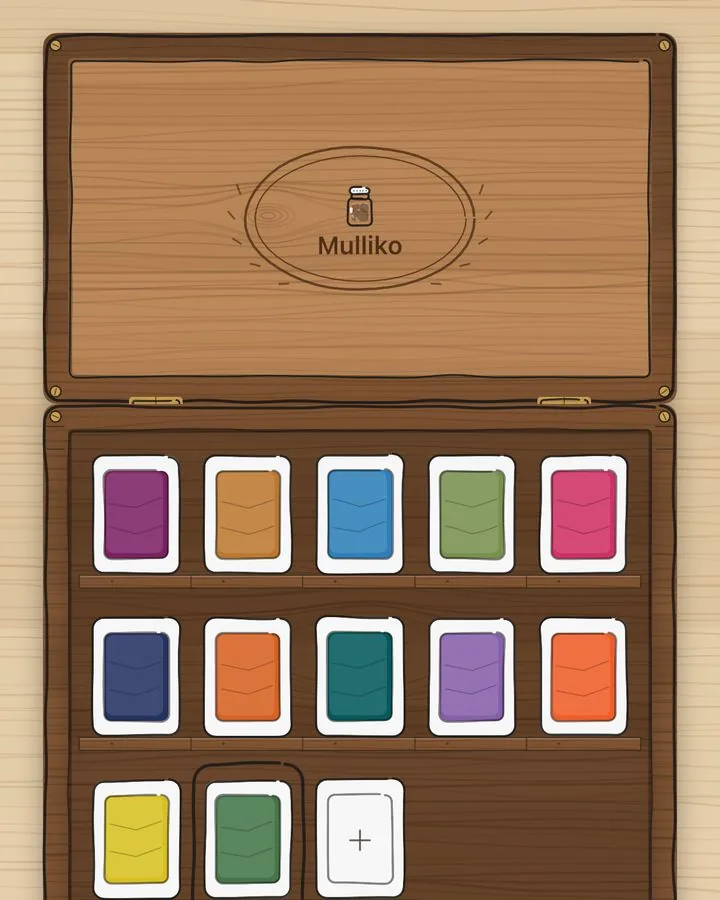
Every save is a version. Recipes gather in the paint box as pans or tubes, and export as a postcard PDF or image.
Try it on paper.
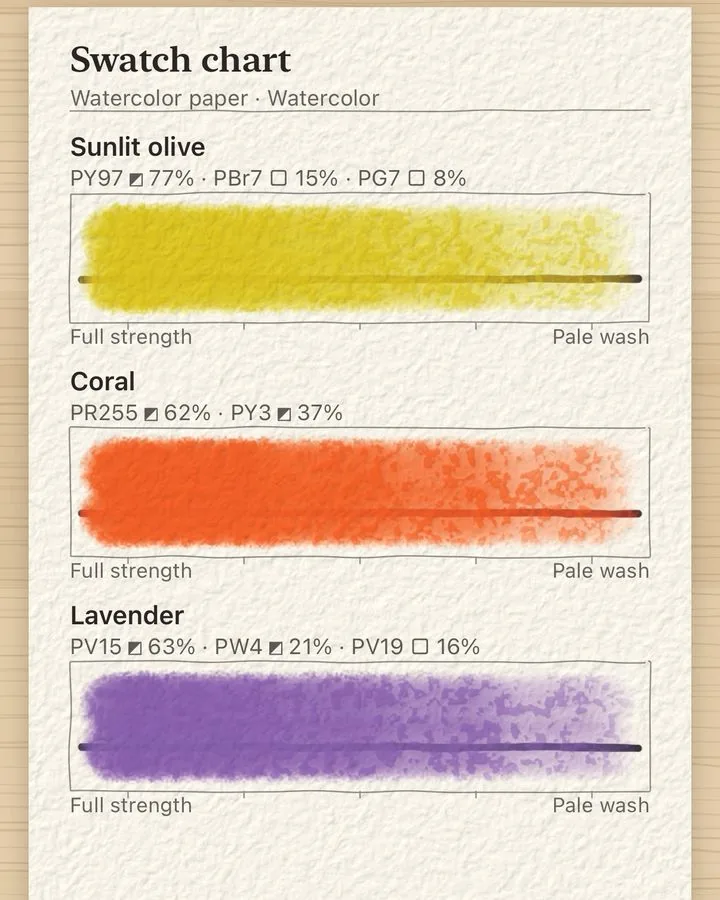
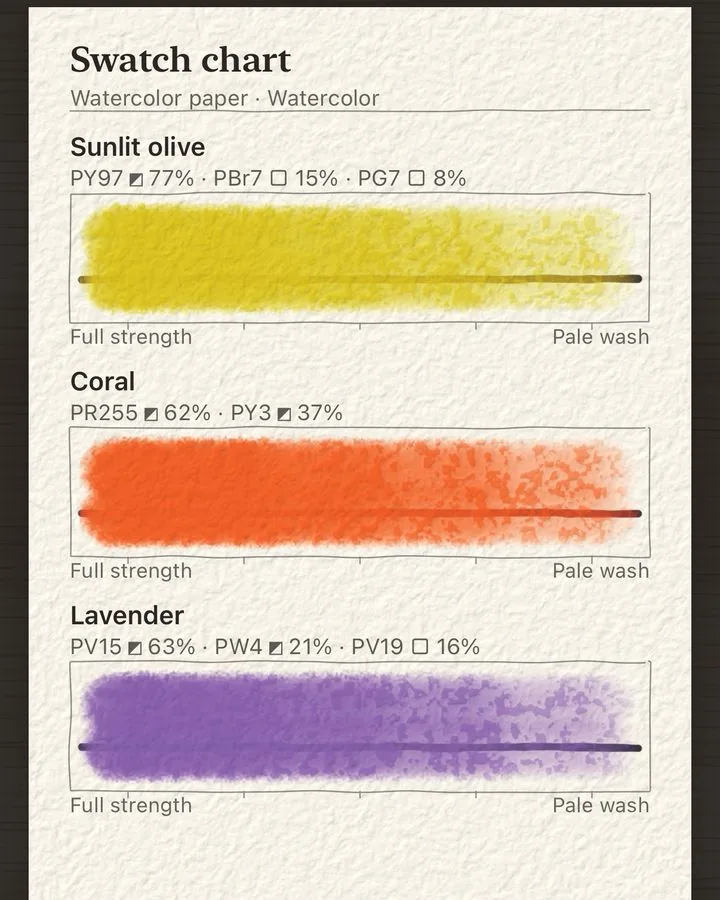
Paint your colour on watercolor paper and lay out swatch or mixing charts. Sheets save themselves.
- One paint on watercolor paper
- Four paints on one sheet
- Canvas and pastel paper
- Swatch and mixing charts, by hand or painted for you
- Share as a picture or PDF


A small app with a full workbench.
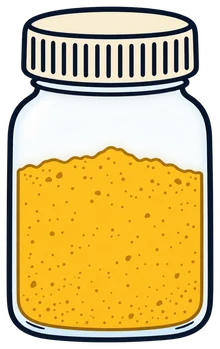
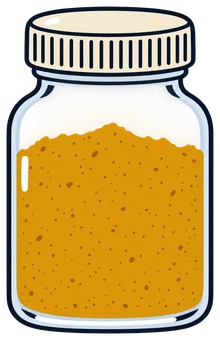
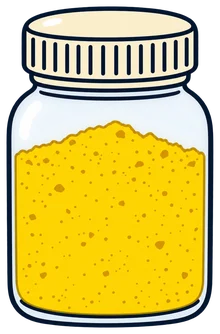
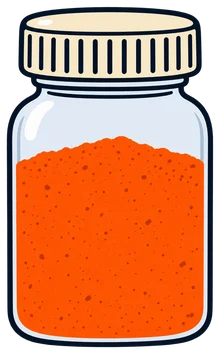
PY3
PY97
PY150
PY35
PO73
PR255
PV19
PB29
+123A pigment shelf sorted by C.I. code
Primaries, metals, shimmer and glitter, fluorescents, East Asian, cobalt and cadmium, historical. Your own pigments keep vendor, lot and purchase date; ones that need care carry a warning.

On iPhone Duo, fold to press
Fold to press the paint like a decalcomania; unfold, and the recipe goes into the paint box. Foldable iPhone only.


Calibrate from a swatch photo
Photograph a swatch and Mulliko matches the pigment’s tinting strength to your paint.

Change the binder, too
Four gum arabic watercolor binders are built in. Pro adds wax watercolor, emulsion, oil, crayon and pastel binders with 23 components.

Every tool on the bench
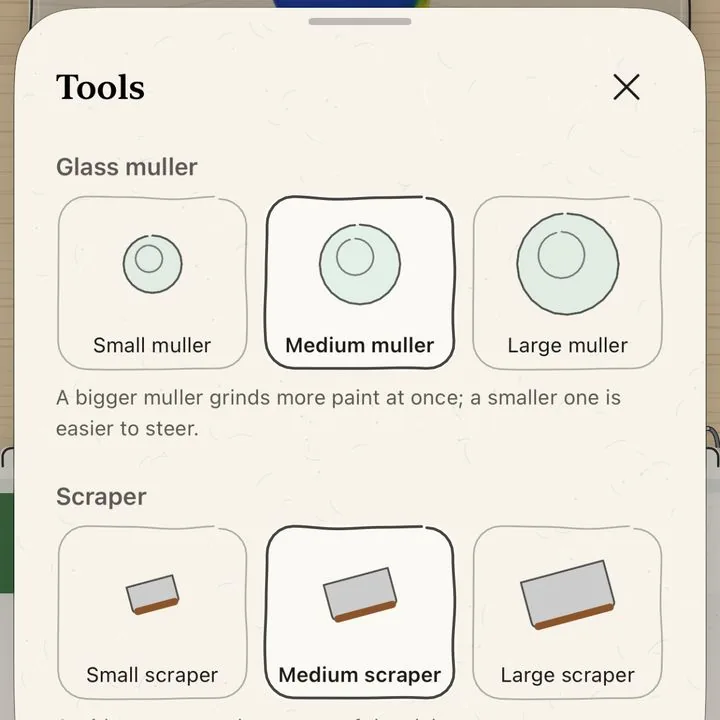
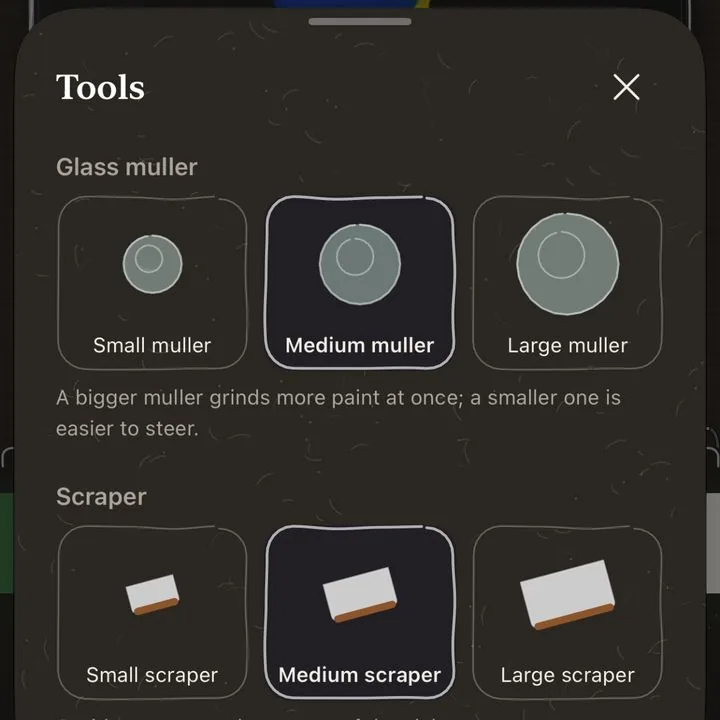
A glass muller, scrapers in three sizes, four palette knives. More binder runs thinner, less runs stiffer.


Start free. Pay once if you love it.
Your recipes stay on your device.
No account, analytics, ads or tracking. Nothing leaves your device unless you export or back up.
App privacy policy →FAQ
Didn’t find your answer?
Write to support@studiohyzet.com. We usually answer within a few days.
What is Mulliko?
An iPhone and iPad app for making watercolor paint from powdered pigment and binder. Mull them on the glass slab and it gives a half-pan recipe in grams.
How much does it cost?
It is free. Mulliko Pro is a one-time US$2.99 (₩4,400 in Korea), not a subscription.
Which devices does it run on?
iPhone with iOS 26 or later, iPad with iPadOS 26 or later. The fold features on iPhone Duo need iOS 27.1.
Are the amounts exact?
They are starting points predicted by a pigment model. Paint a test swatch before a batch; calibrating with a photo of your swatch brings the prediction closer.
What happens after five recipes?
Existing recipes keep working. Delete one to start another, or get Pro for unlimited recipes.
Can I use Pro on a new device?
On the same Apple Account, tap Restore Purchases in Settings. Family Sharing works too.
How many pigments can one recipe hold?
Up to four.
How do I move recipes to another device?
Back up the library to a file in Settings, then restore it on the new device. It only adds what is missing.